Building Management Systems (BMS): what are they and how do they work
By Tristan Newton, Commercial Director · 25 July 2025 · 10 min read
There are many different systems in modern buildings such as the heating, cooling, clean water, wastewater and many other elements that need monitoring to ensure they work, errors are fixed and excessive consumption is limited. This is done using a BMS system.
What is a Building Management System (BMS)?
A BMS is a computer-based control system installed in a building to monitor and control the building’s mechanical and electrical equipment. In simpler terms, it’s a centralized platform that integrates all the critical building services so they can be managed together. HVAC (heating, ventilation, and air conditioning), lighting, power distribution, plumbing and water supply pumps, fire alarm systems, security access control, and even elevators can all be tied into the BMS. Instead of each system running in isolation or requiring manual checks, the BMS lets these subsystems communicate and be controlled in unison.
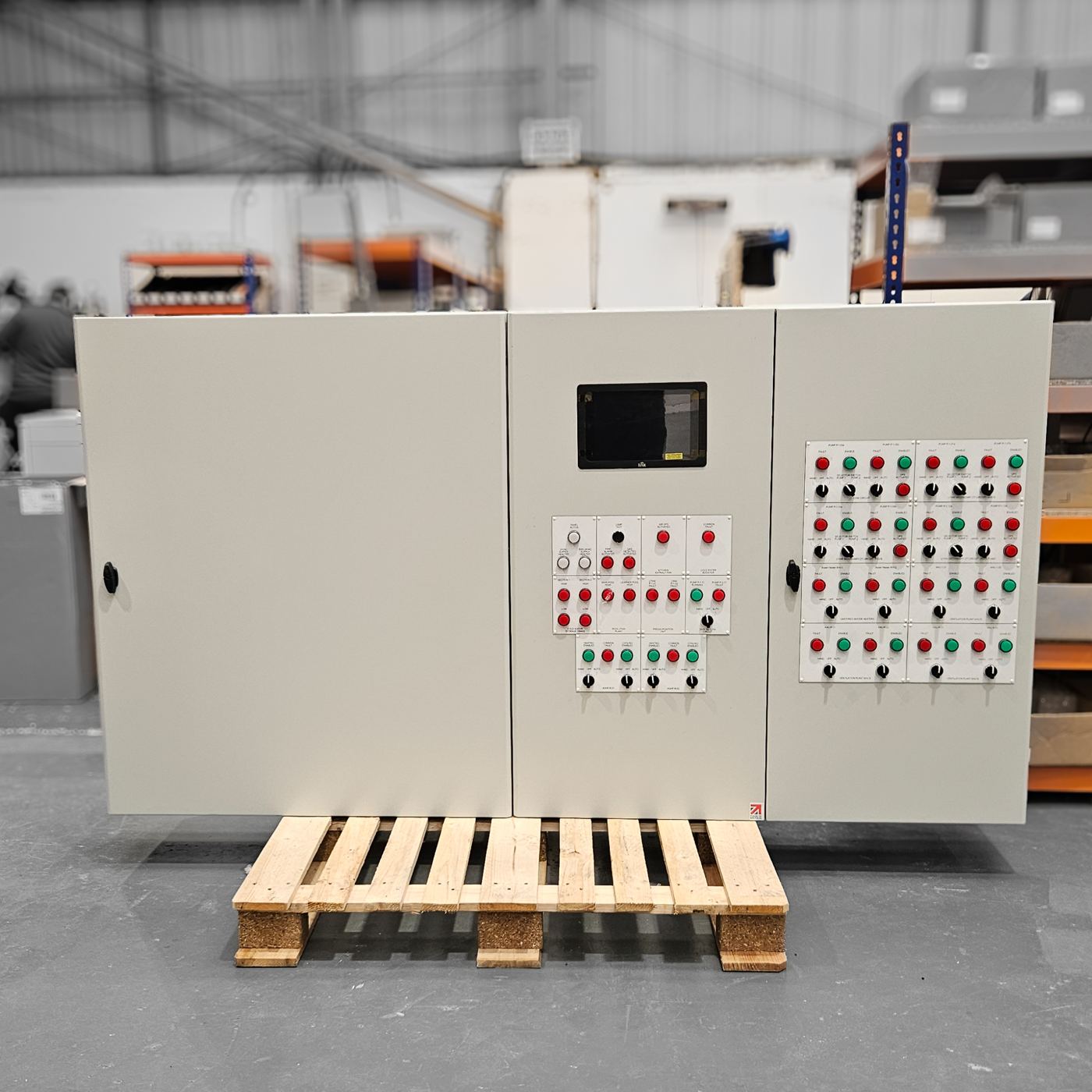
One way to picture a BMS is to think of a single control room with screens that display everything happening in your building. From that interface, a facility manager can see temperatures, pump statuses, which lights are on, if an alarm has triggered – and they can adjust settings with a few clicks. You no longer have to walk room to room to flip switches or read gauges; the BMS provides remote visibility and control. For example, if the building is unoccupied at night, you can centrally turn off lighting or dial down the heating. If there’s a sudden temperature drop in one part of the building, the BMS can alert staff or automatically adjust the heating.
Key Components of a BMS
To understand how a BMS works, it helps to know the key components that make up a typical system. Generally, a BMS is composed of three main layers or components
- Field Devices (Sensors and Actuators): These are out in the building doing the monitoring and physical work. Sensors measure conditions – for instance, temperature, humidity, pressure, light level, occupancy detectors, water flow meters, tank level sensors etc. They gather real-time data about the environment and equipment status. Actuators receive commands and act on equipment – for example, motorized valves that open or close to regulate water or steam flow, damper actuators that adjust airflow in ducts, relay switches to turn equipment on/off, or variable-speed drives that control motor speeds.

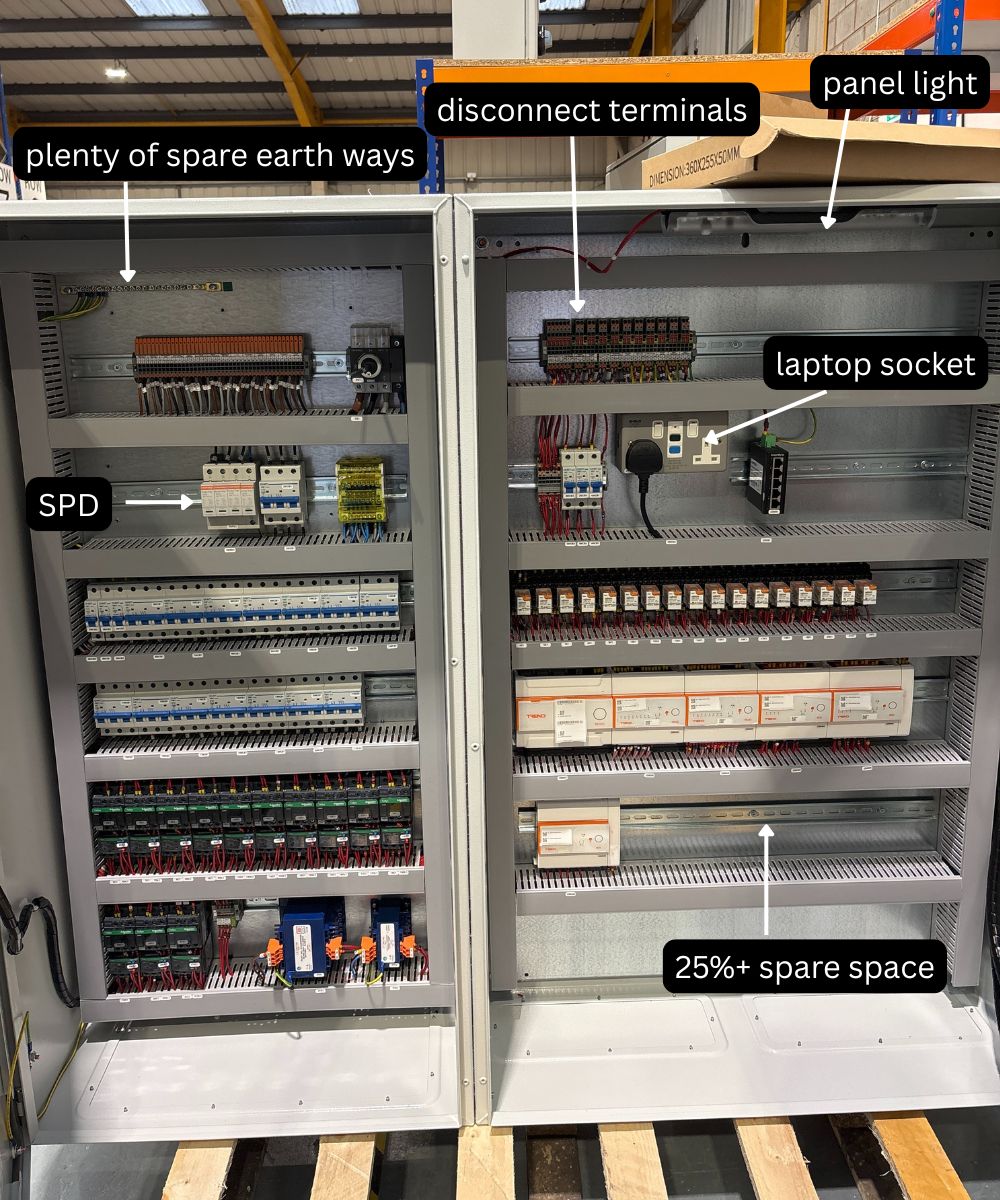
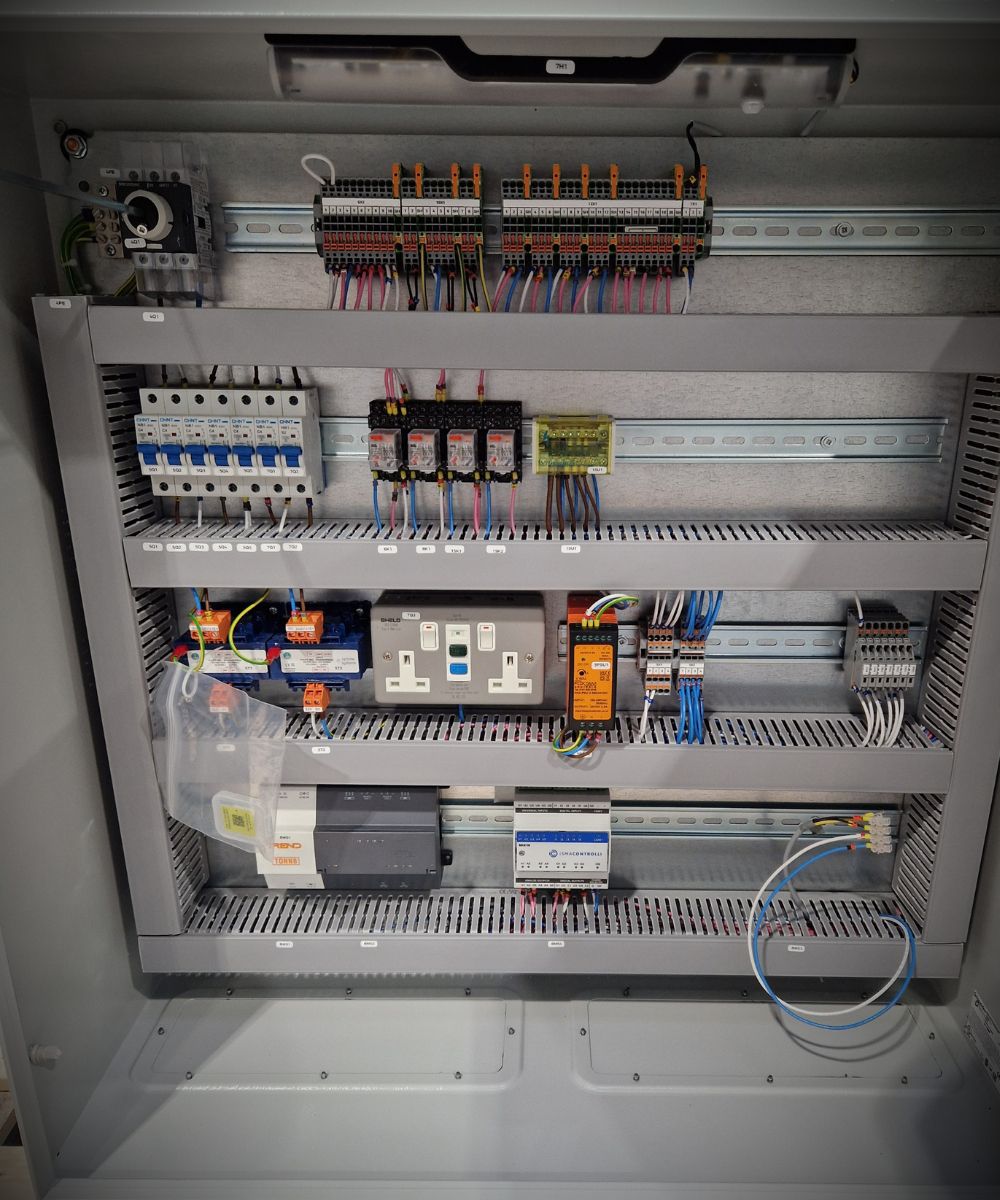
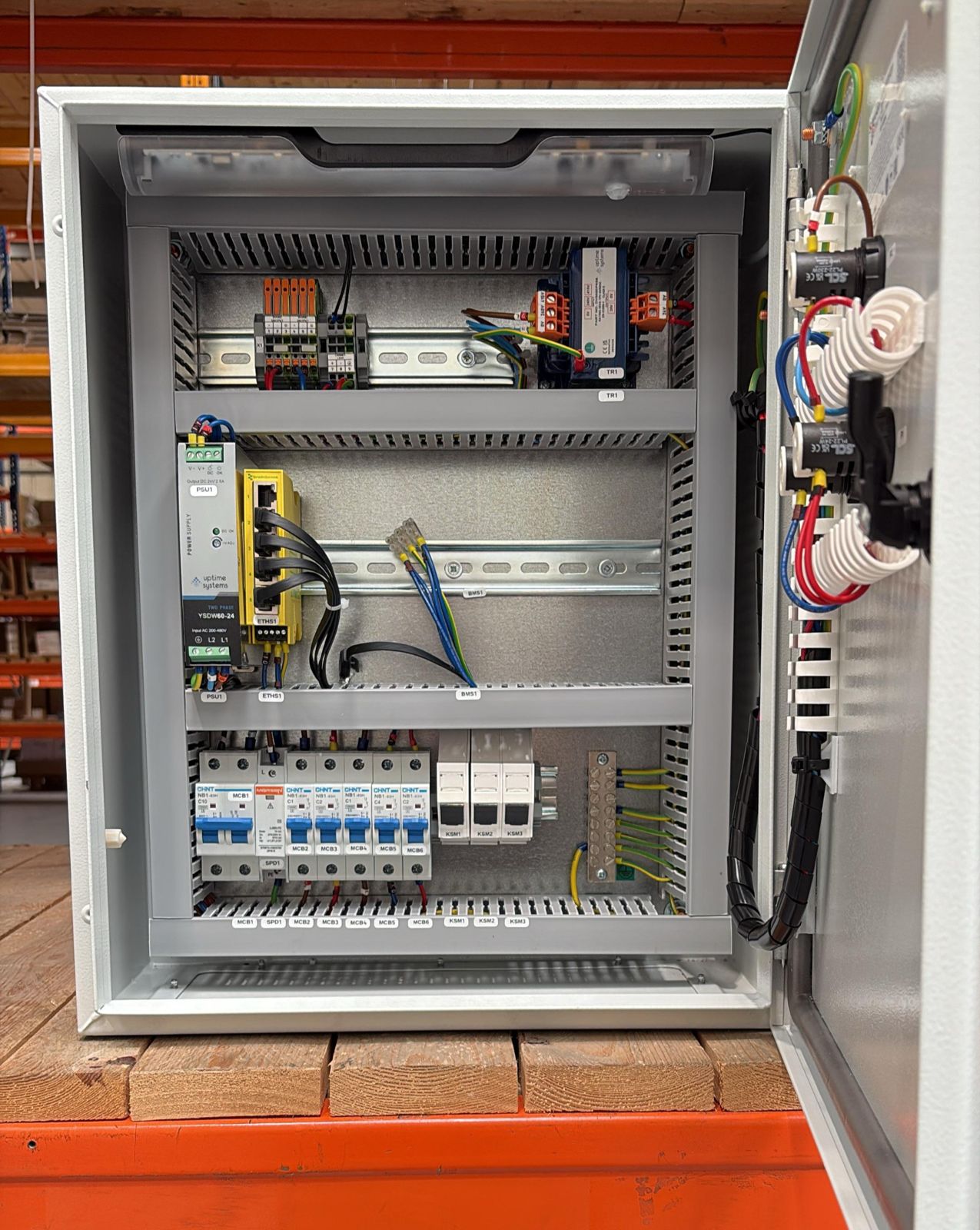
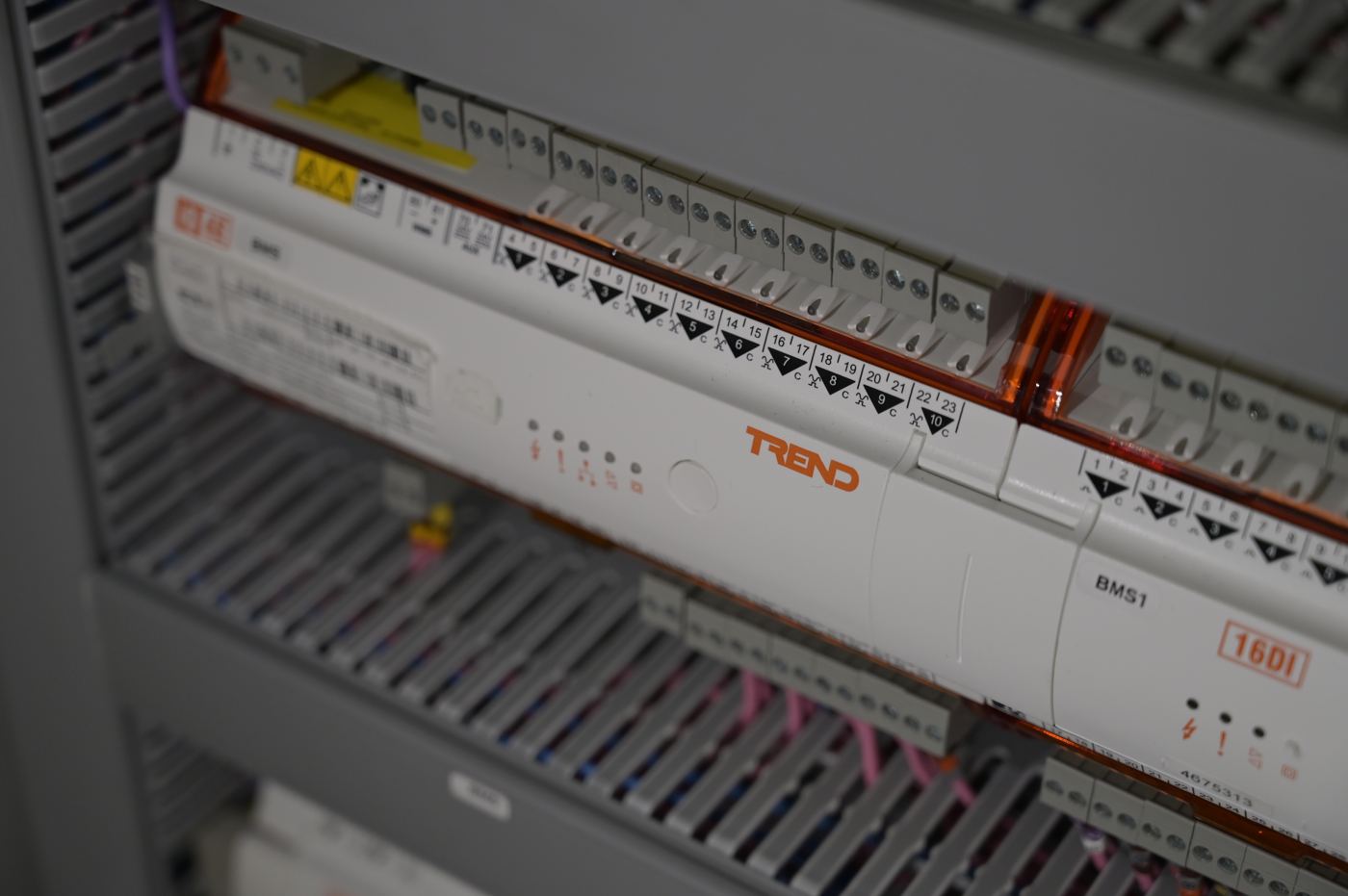
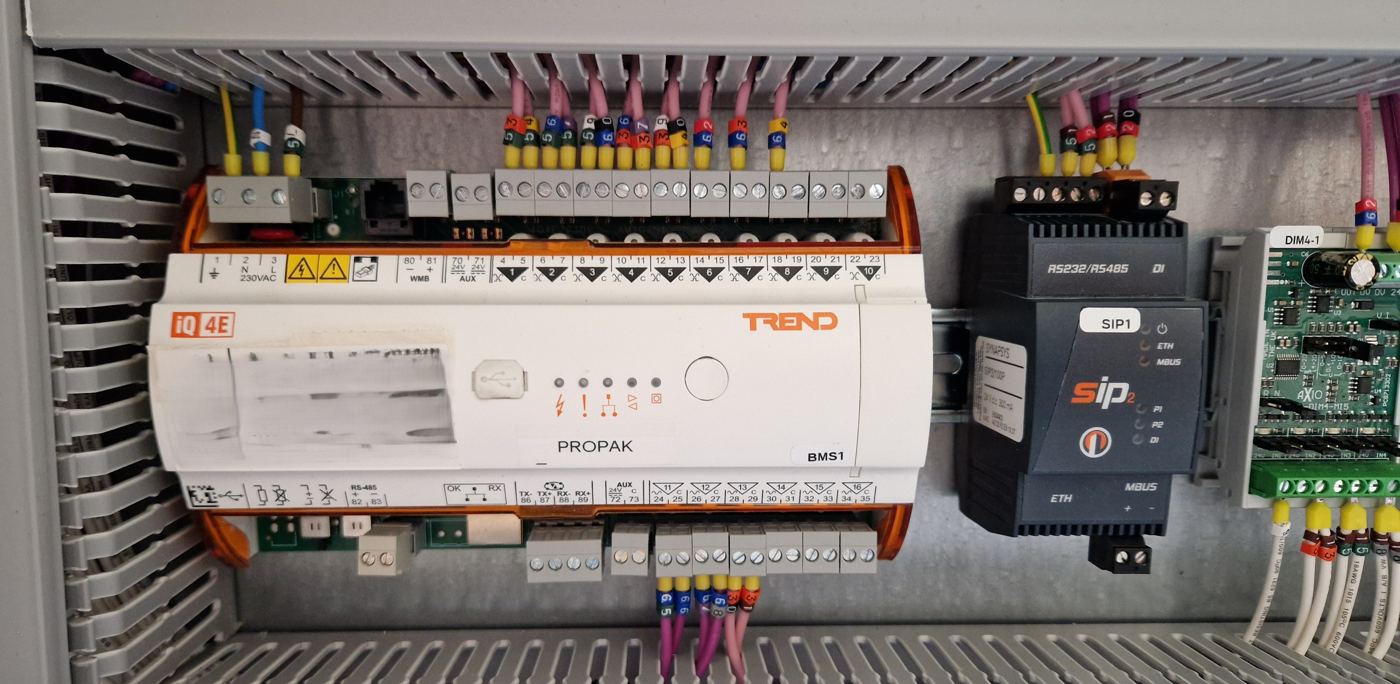
- Controllers: These are small computers typically installed in control panels throughout the building. Controllers sit between the sensors/actuators and the central management software. They take input from sensors, apply logic or algorithms (software programming), and decide when to send commands to actuators. For example, a controller might be programmed to keep a room at 22°C. It reads the temperature sensor; if the room is too cold, the controller sends a signal to open the heating valve actuator. Controllers can operate independently to manage local equipment (so even if the central computer is down, basics still run) and they report status back to the central BMS workstation. They are essentially the “brain cells” spread throughout the building, each handling specific tasks (like an air handling unit’s controls, or a chiller plant, or a pump system).
- Network: All those controllers and field devices need to talk to the central system (and sometimes directly to each other). The BMS includes a communications infrastructure – this can be wired or wireless – that forms the network for data exchange. Many BMS use industry-standard protocols such as BACnet or Modbus, to ensure different devices can communicate even if they’re from different manufacturers (so you aren't locked into one vendor). The network might be an Ethernet LAN, a dedicated cable bus, or nowadays often IP-based networks. Networking is the “nervous system” that carries sensor readings to controllers and commands from controllers to actuators, as well as connecting everything to the central server/software.
- Central Management: at the top level is usually a central computer or server running BMS software, often accompanied by one or more Human-Machine Interface (HMI) stations (like operator workstations with screens). This is where the facility manager or operator interacts with the system. The software aggregates data from all controllers, displays it in dashboards or graphical views (for example, floor plans showing temperature at various points, or diagrams of equipment status), and allows the user to send commands or change settings. Alarms and trend logs are managed here too. Modern BMS software might allow access via web interfaces or mobile apps, so you can log in remotely. The central software is the “brain centre” that provides overall supervision, data logging, and high-level control capabilities. It’s also where different subsystems’ data converges so the building can be managed holistically.
How Does a BMS Work?
Now that we know the parts, let’s look at how a BMS actually operates on a day-to-day basis. In essence, a BMS continuously performs a loop of monitoring, decision-making, and control:
Monitoring (Input): The process starts with sensors gathering data. The BMS is constantly collecting information from all corners of the building – temperatures in rooms and ducts, whether lights are on or off, the current drawn by an HVAC motor, the pressure in a water pipe, occupancy status in an office, levels in a water tank, etc. All this raw data flows into the BMS controllers or directly to the central system. For example, a thermostat on the wall might report that a conference room is 25°C and the desired setpoint is 22°C.
Decision Logic (Processing): The controllers (using their programmed logic) or the central BMS software analyses the incoming data against predetermined setpoints and rules. Using our example, the BMS logic sees that 25°C is above the 22°C setpoint, so it decides cooling needs to be increased in that conference room. These rules can be simple thresholds or very sophisticated algorithms. Many BMS also incorporate schedules (e.g. reduce heating after 6 PM when the building is typically unoccupied) and interlocks (ensuring systems work in coordination and safety – e.g. if smoke is detected, turn off the ventilation fans to prevent spreading smoke). Modern BMS even use optimisation algorithms and can adapt based on historical trends or occupancy predictions. In short, the BMS “brain” calculates what adjustments are needed to keep conditions optimal or equipment functioning efficiently.
Control Actions (Output): Once a decision is made, the BMS sends out commands to the appropriate actuators or equipment. In the conference room example, the BMS might send a command to the variable air volume box serving that room to open further and blow more cool air, or trigger the air conditioning to a higher setting. If lights are scheduled to turn off at 10 PM, at that time the BMS will send an off command to the lighting circuits or smart lighting controllers. If an exhaust fan fails (as detected by a status sensor), the BMS might turn on a backup fan and send an alert. These control signals typically go from the central software to a local controller, and then to the device/actuator. Many controllers handle this automatically – for critical fast-acting systems, the local DDC controller can directly adjust the device as soon as it detects a deviation. The BMS ensures equipment responds in real time to the building’s needs.
Feedback and Adjustment: A good BMS operates in a continuous loop. After it makes an adjustment, the sensors will reflect the new state (e.g. now the room temperature is dropping towards 22°C, or the lights are off and the power draw goes down). The BMS monitors this feedback to see if further adjustments are needed or if the desired condition is met. This closed-loop control is what keeps environments stable. If something is not effective (say the temperature is not dropping enough), the BMS can escalate responses (maybe turn on another cooling unit or generate an alert if a fault is suspected).
Alarms and Reporting: While the above is happening, the BMS is also keeping an eye out for any conditions outside normal bounds. If a sensor reports something abnormal – say a pump is not running when it should, or a freezer room is getting too warm, or a fire alarm triggers – the BMS will flag an alarm. Alarms can be displayed on the central management station and viewed remotely (and often sent via email/SMS to on-call technicians). This allows quick response to issues, often before occupants even notice a problem. Additionally, the BMS typically logs data continuously, so you can generate reports or analyse trends. For example, you might pull a report of daily energy consumption or track how often a particular pump has been cycling on/off (which could indicate if it’s overworked or undersized).
Behind the scenes, a lot of this is made possible by the programming and configuration done when the BMS is installed. Engineers and technicians program the control logic for each controller and set up the user interface with meaningful graphics and alarm points. Once in operation, though, the BMS runs automatically – adjusting valves, starting or stopping equipment, and so on – according to the parameters given. Operators intervene mainly to fine-tune setpoints, respond to alerts, or optimise schedules as needed.
Another aspect of “how it works” is communication. In a typical BMS, hundreds or even thousands of data points (sensor readings, statuses, etc.) are being exchanged every minute. The system prioritizes critical messages (like alarms) but also ensures that all routine data is updated so the picture is current. Open communication standards (like BACnet) mean that a sensor from one manufacturer and a controller from another can still understand each other, as long as they adhere to the protocol. This is crucial because buildings often have a mix of equipment brands and ages. A well-designed BMS acts as a universal translator and integrator for all these subsystems.
Practical Benefits of a BMS
Implementing a Building Management System can bring tangible, real-world benefits to building operators and owners. It’s not just another piece of tech for tech’s sake – a well-used BMS directly contributes to smoother operations and cost savings. Here are some of the key benefits explained in practical terms:
A BMS improves energy efficiency by automatically reducing power use when conditions allow. It can dim or switch off lights based on occupancy or daylight, adjust HVAC settings during off-hours, and prevent equipment from running unnecessarily. Buildings with a BMS typically see significant energy savings—often enough to recover the cost of installation within a few years. Reducing energy use also supports sustainability goals and helps meet regulatory requirements.
With a BMS, all systems—HVAC, lighting, security, fire alarms—are managed from a single interface. This streamlines day-to-day operations, allowing staff to make quick adjustments and diagnose issues without needing to visit multiple systems. If there's a complaint about room temperature, for example, you can view sensor readings, equipment status, and make changes remotely. Many systems also offer secure remote access for offsite management.
By automatically adjusting heating, cooling and ventilation, a BMS keeps conditions stable and consistent. This improves occupant comfort and can lead to better productivity. The system can react to changes, such as a room filling with people, and increase ventilation accordingly. It also enhances safety by coordinating fire and security system responses—shutting down air systems, unlocking doors, and turning on lights during an emergency.
A BMS monitors equipment performance constantly, allowing it to flag early signs of failure such as irregular motor loads or short cycling. Maintenance teams can respond before a fault causes downtime. The system also helps technicians locate issues quickly and provides logs for root cause analysis. This reduces both disruption and the cost of emergency repairs.
Because a BMS prevents equipment from operating harder than necessary, it reduces wear and tear. Systems run more efficiently and last longer. For instance, pumps may run at reduced speeds during low demand, adding years to their lifespan. Addressing small issues early also means fewer breakdowns and less frequent equipment replacement.
BMS software collects and stores data that can be used to identify inefficiencies and guide decision-making. Trends might reveal underperforming equipment or areas that consistently need more heating. This supports energy audits, helps justify upgrades, and allows better planning for maintenance and improvements.
A BMS can be reconfigured as building needs change—adding controls for new areas or systems is often straightforward. Many platforms integrate with facility management or energy monitoring software, and can connect to smart grids or IoT devices. This flexibility means a BMS can evolve with the building and continue delivering value long term.
A BMS provides a unified platform for managing building systems efficiently. It reduces energy waste, lowers maintenance costs, improves comfort, and gives building managers and contractors the tools they need to run facilities proactively. Whether you're responsible for performance, safety, or uptime, a well-configured BMS turns complex operations into manageable, visible systems.
Written by the engineers at G&G Controls, a UK control panel manufacturer in Stoke-on-Trent. For general guidance only; consult a qualified professional for advice on your own installation.
Up next
Cutting BMS panel build times by 50%
Our BMS clients have told us that two things are super important to them: getting a drawing very quickly and then getting the panel delivered to site fast.